Senior React and Rails interview prep
Read it. Explain it. Get it graded.
142 concepts in a dependency graph. You read each one, explain it in your own words, and an LLM you bring grades the explanation against a rubric. Open source, and it runs on your machine.
Windows installer · macOS and Linux run from source · MIT license
How it works
One path per concept
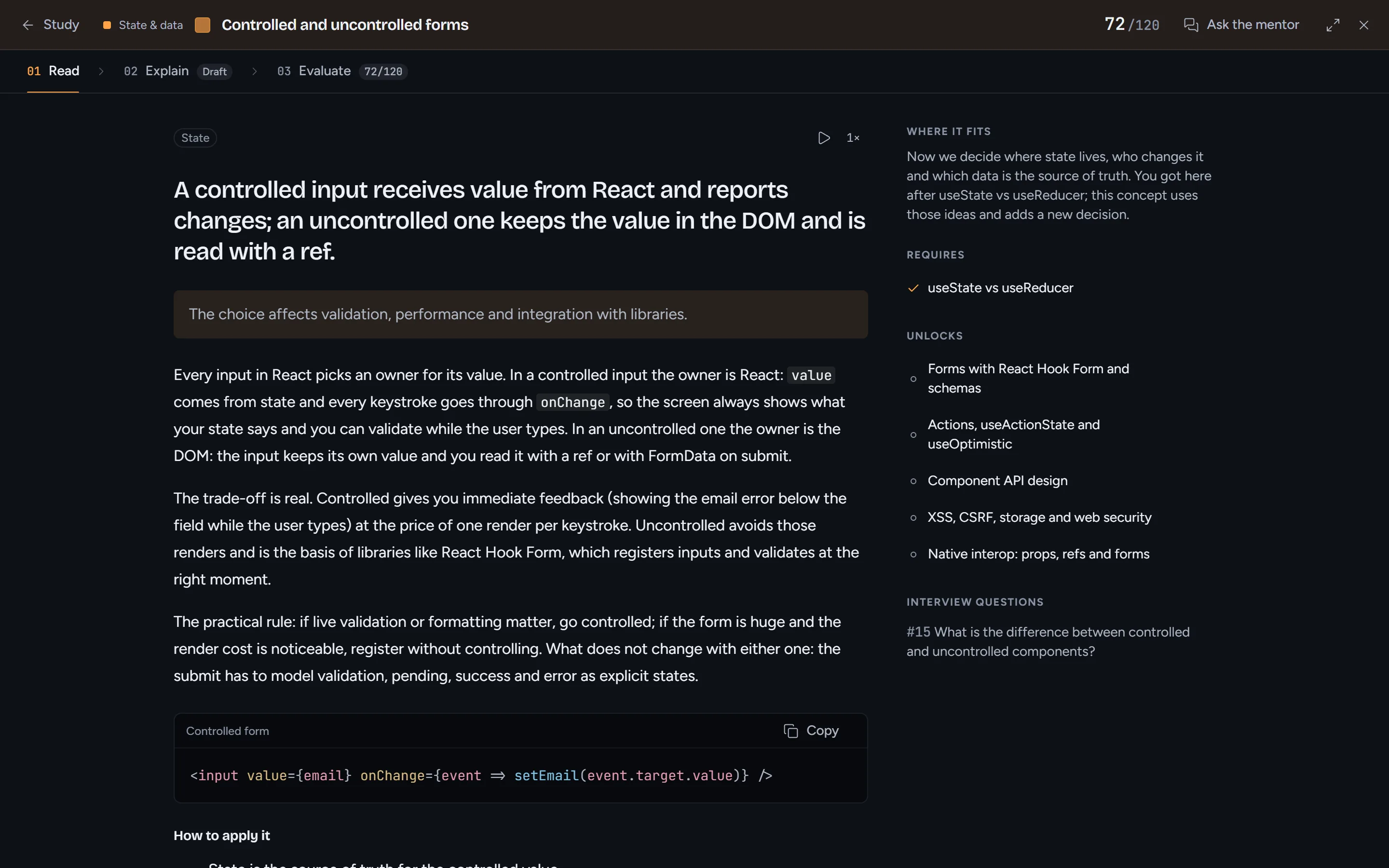
The React curriculum has 101 concepts linked by what you need to understand first; Rails has 41. The map opens on one next step, and every concept goes through the same three steps.
Read
The explanation, a naive and a senior code sample, common mistakes and sources. A Socratic mentor answers questions about the card and your draft without handing you the answer.
Explain
Write it from memory, or dictate it. When you pause, a coach marks which essential ideas you covered and points at the next gap.
Evaluate
The LLM grades the explanation against a four-part rubric: accuracy, causality and trade-offs, application, completeness.
A scale with room above 100
100 means the essentials are covered. 101 to 120 is extra depth, and it only opens after full coverage, to push back on the grade inflation LLMs tend toward.
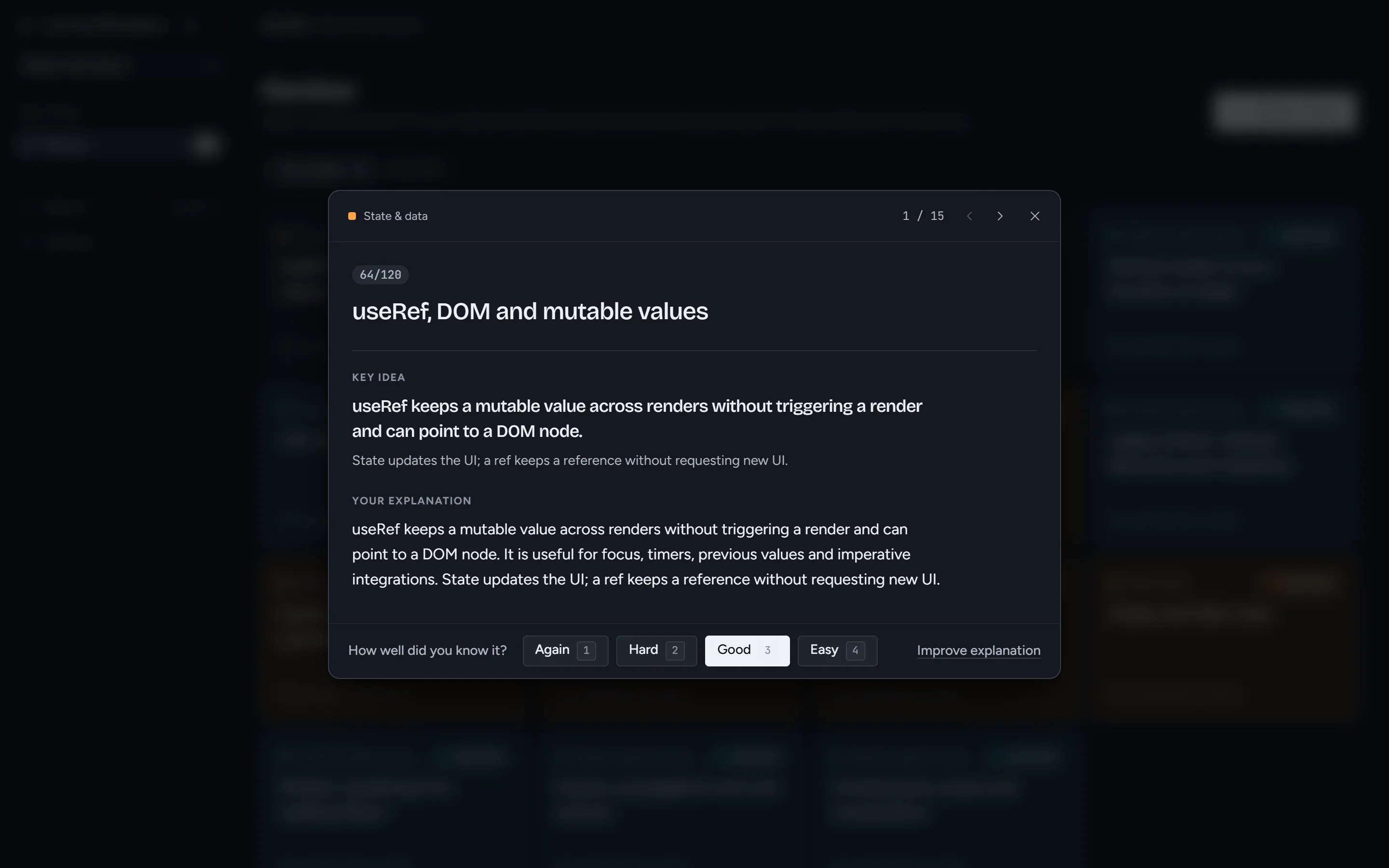
Flashcards on spaced repetition
Every concept you worked on becomes a card. Rate how well you knew it, and it comes back on the day it's due.
Why it runs locally
Your LLM, your machine
The mentor, the coach and the grader all need a language model, and KnowGraph doesn't ship one or pay for one. There is no hosted version to sign up for: you run the app and connect the model you want.
- Bring your own key. OpenAI, OpenRouter, Groq, MiniMax, or any OpenAI-compatible endpoint.
- Or fully local. Ollama and LM Studio work too, so nothing leaves your computer.
- No account, no server. Progress lives on your machine, and a JSON backup exports and restores all of it.
- English and Spanish. The curriculum and the AI answers follow the language you pick.
Windows
Download the installer from the latest release, then add your model under Settings → AI connections.
Latest releaseFrom source, any OS
Node.js 20 or newer.
git clone https://github.com/Felichz/KnowGraph.git
cd KnowGraph
npm install
npm install --prefix server
npm run desktop:dev   # desktop app, starts the AI gateway
Prefer the browser? Run npm start --prefix server and npm run dev, then open localhost:5173.